
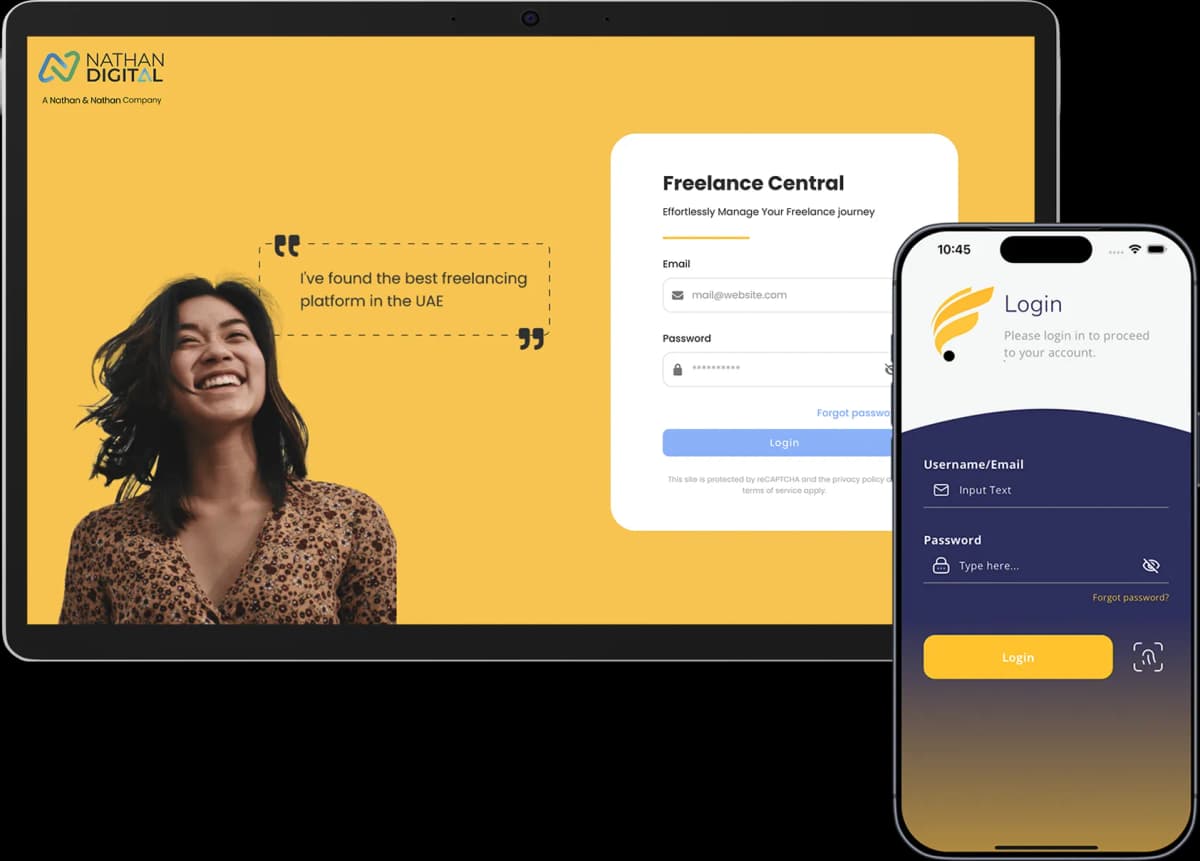
Freelancing gives you freedom, but managing it often feels messy. Emails here, WhatsApp messages there, spreadsheets everywhere, and no single place to see what’s actually happening.
Freelancer Central fixes that. It replaces scattered tools with one clear portal built to support your entire freelance journey.
In this guide, you’ll learn how the portal works, what each feature is built for, and how it supports you from onboarding through your daily freelancing operations in uae.
What is Freelance Central portal and mobile app?
Freelance Central is an exclusive digital workspace designed for the Dynamic Freelancer community to manage their freelance work. While the app is available in app stores, it's not open for public registration; access is members-only.
Your access to the app is included at no additional cost with any service we offer.
How to Access Freelance Central
Contact Us
Reach out via our website, or connect with us by call or WhatsApp.
Choose Your Package
Sign up for any of our residency or freelance work permit packages, or choose from any of our other services that fit your needs.
Package Confirmed & Paid
Once your package is confirmed and paid for, we activate your access.
Access Freelance Central
Get exclusive access to Freelance Central as part of your package.
Once access is granted, the portal becomes your single system of record for all freelance-related activity under Dynamic Freelancer.
How the freelance portal is structured
The portal is organized into clear sections, each representing a core function rather than scattered tools. These sections work together to ensure that applications, client data, invoices, and support interactions remain connected and traceable.
The main features include:
Dashboard
Freelancer profile
Application Status
Clients
Invoices
Service Requests
Events
Referrals
Support
Resources
Marketplace
Each section has a defined role in your freelance journey.
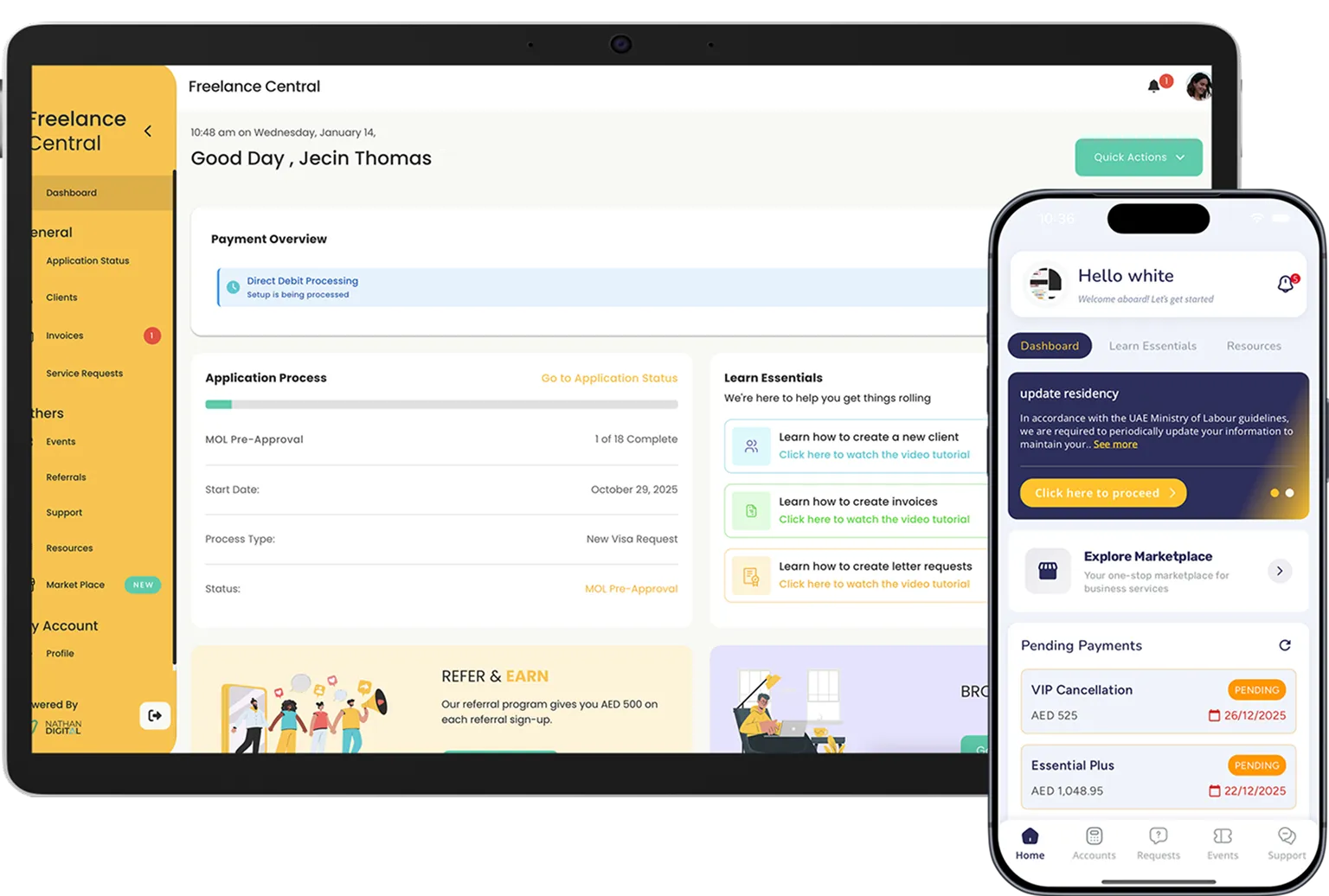
The main dashboard
The Dashboard is your starting point. It provides a high-level overview of your account activity and progress within the portal. Instead of searching through different sections to understand what is happening, the dashboard gives you immediate visibility into key updates and actions that may require attention.
Its purpose is awareness, not data overload.
Visa application status and tracking feature
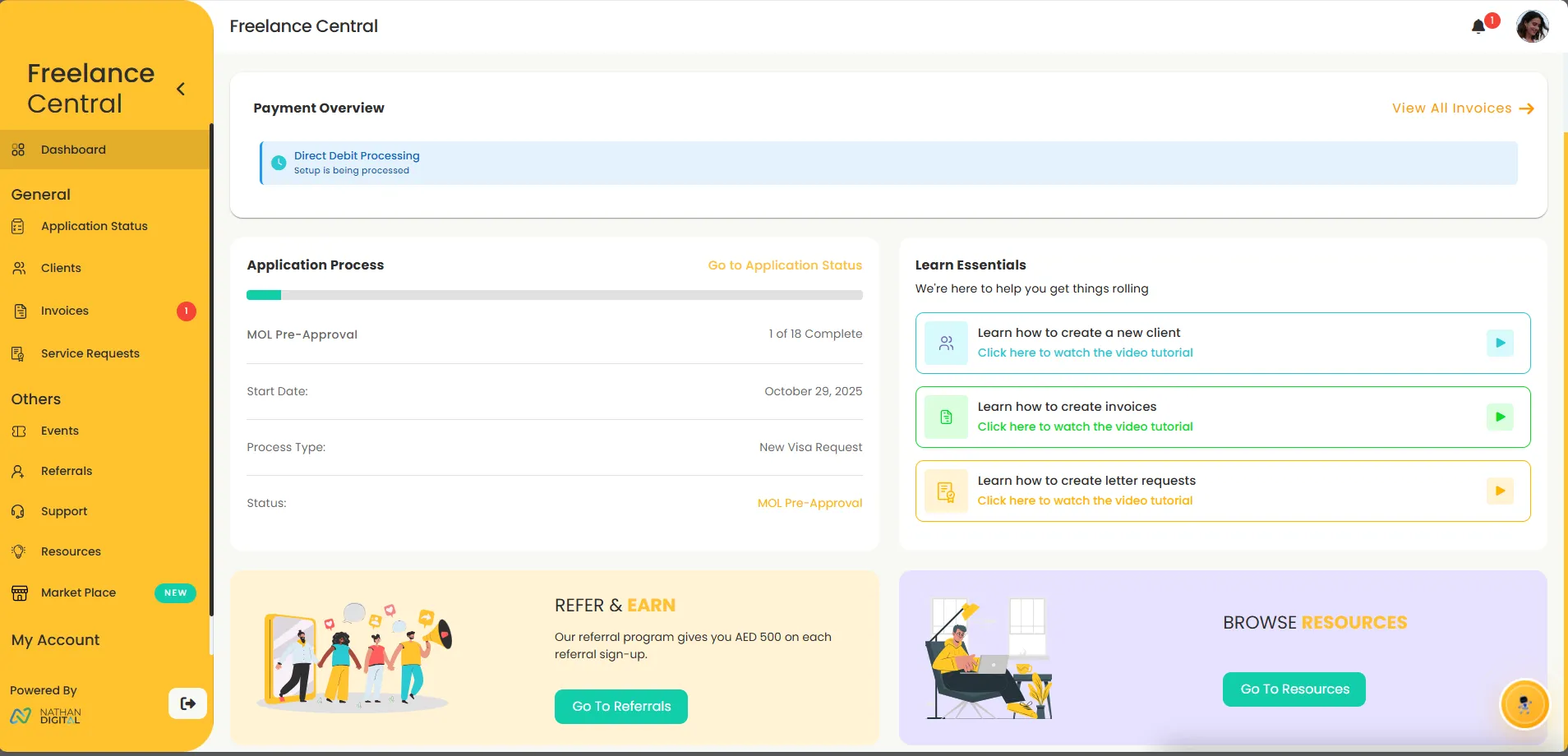
The application status section is dedicated to visa and residency-related processes.
This is where you track:
The progress of your freelance application
Current status updates
Application milestones and outcomes
Rather than relying on back-and-forth communication to understand where your application stands, this section provides a centralized view of progress and updates tied directly to your account.
Client management
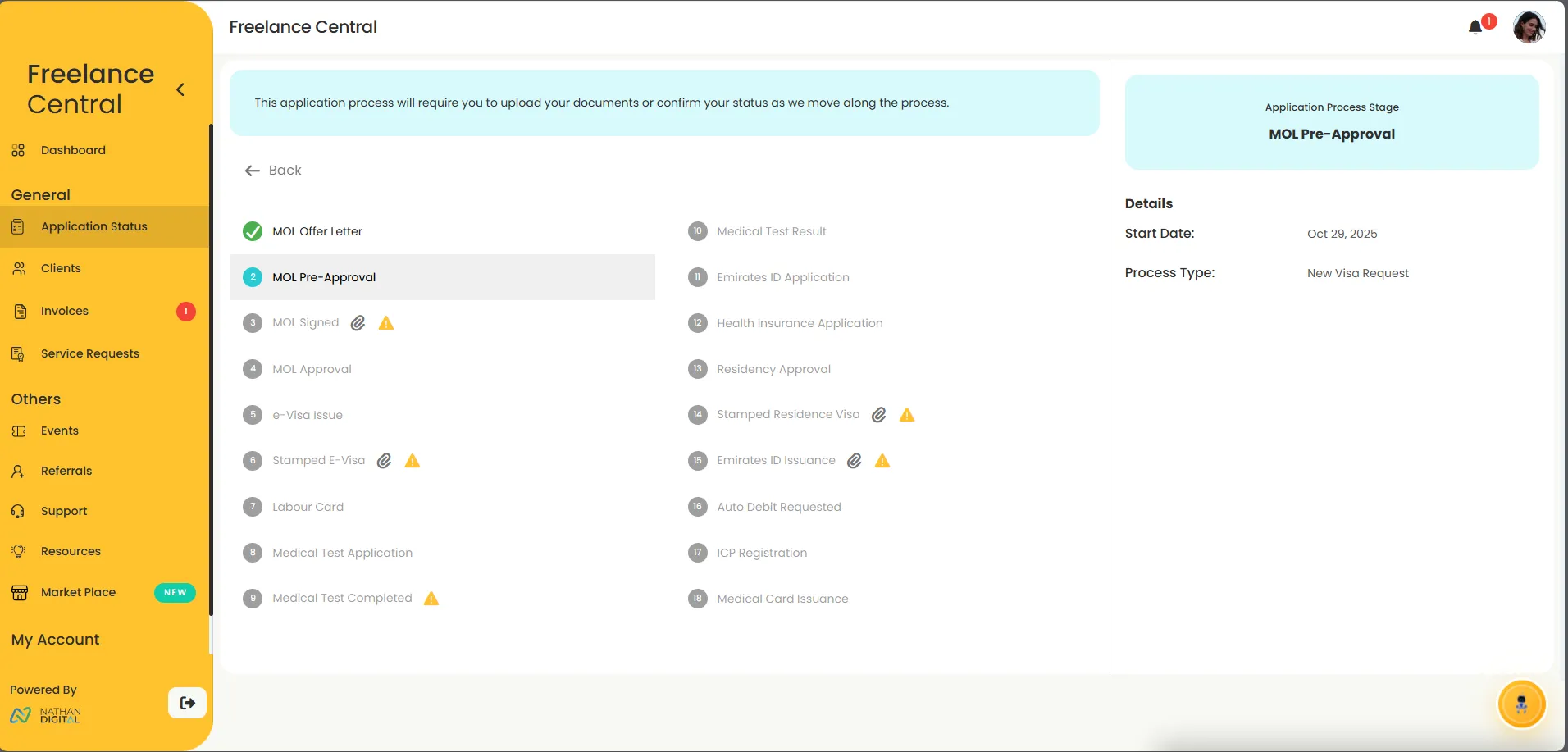
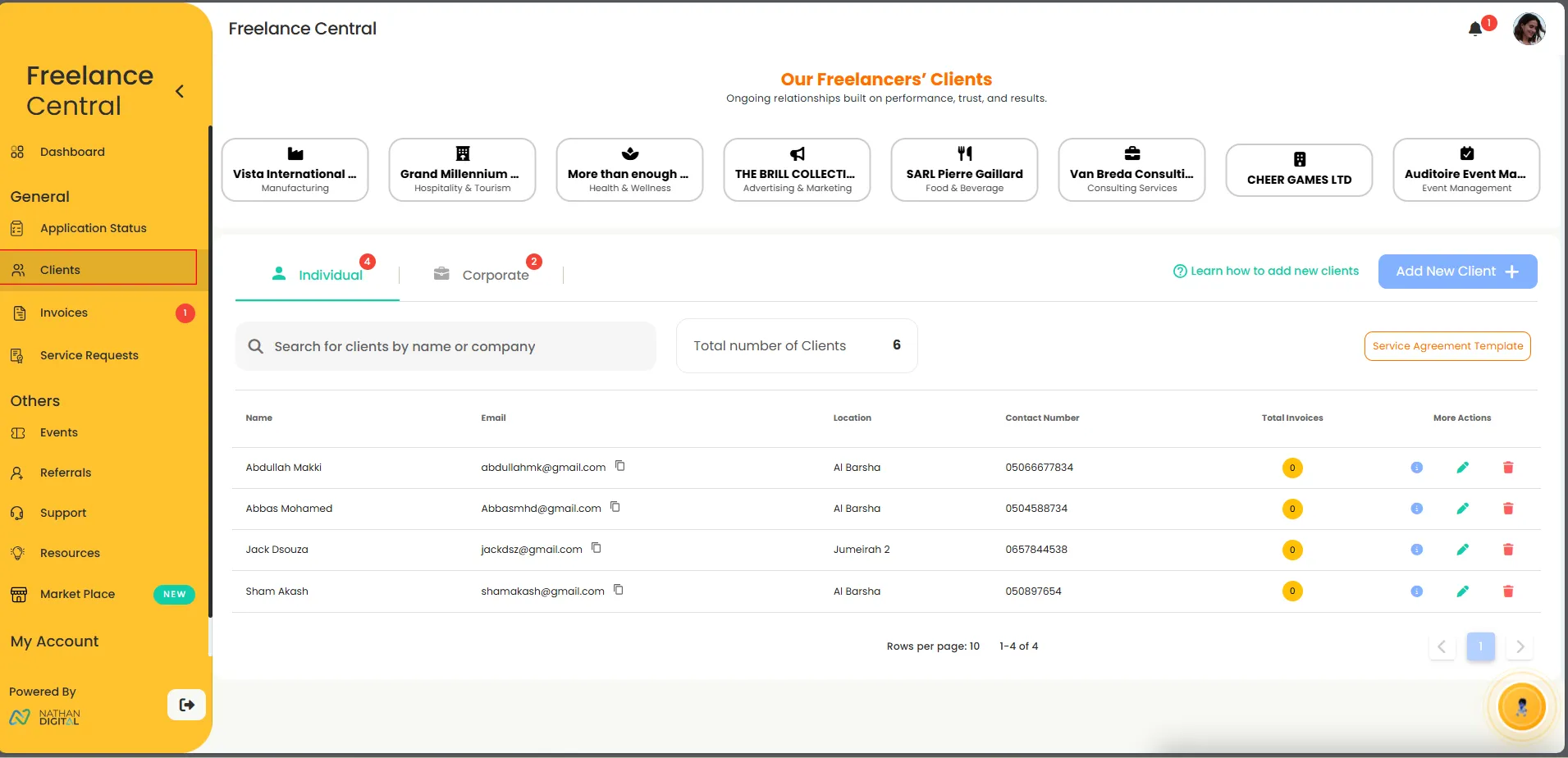
The Clients section is where you manage everyone you work with.
It allows you to:
Create and store client essential details
Separate individual clients from company clients
Maintain a record of current and past client relationships
Client data saved here becomes reusable across the portal. Once a client is added, their details can be linked to invoices and service agreements without repeated data entry.
This structure helps freelancers maintain clean, consistent records as their client base grows.
Invoicing and payment management
The Invoices section is designed to simplify billing and payment tracking.
From this section, you can:
Create invoices linked directly to saved client profiles
Track invoice status from issue to payment
Maintain a clear billing history
By linking invoices to clients, the portal ensures accuracy and consistency across financial records, reducing manual errors and confusion.
.webp)
Service Requests and Support
The Service Requests section is where you submit official requests related to your freelance setup and services.
This section allows you to:
Request administrative or business-related services
Track the status of each request
Maintain a record of submitted and completed requests
Instead of handling service requests through scattered conversations, everything stays logged, trackable, and associated with your account.
Events and Community Updates
The Events section gives you visibility into Dynamic Freelancer business social events.
It centralizes information related to:
Upcoming events
Participation details
Event-related updates
This ensures that event access and engagement remain organized within the same platform you already use for your freelance operations.
Support & Ticketing
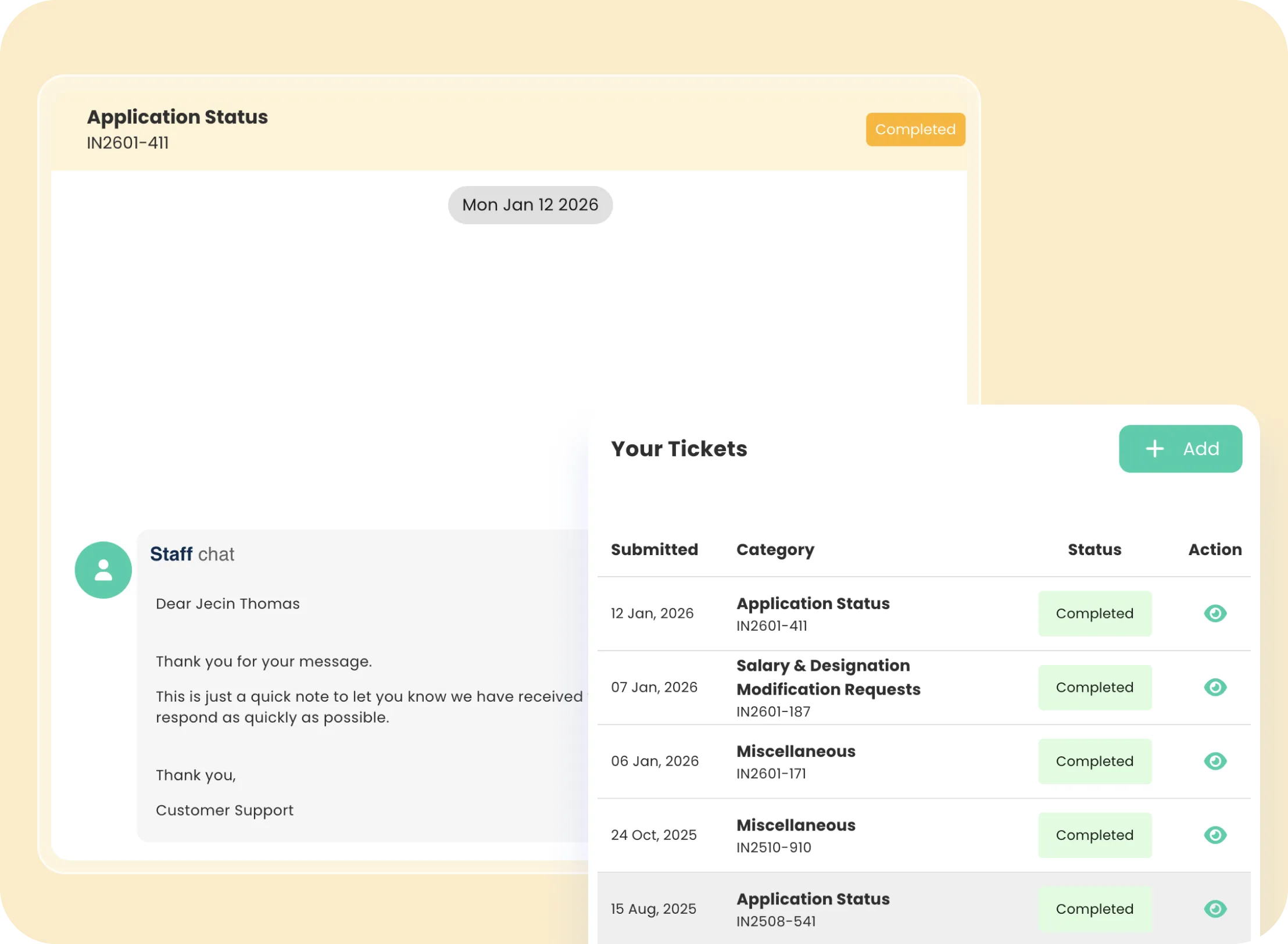
Support within the portal operates through a dedicated ticketing system.
Using the Support section, you can:
Raise support tickets
Track responses and resolutions
Maintain a documented history of support interactions
This replaces fragmented communication across emails, calls, or messages, ensuring every issue is recorded and resolved within the platform.
Marketplace
The Marketplace section gives access to additional services available through the platform.
These services are optional and designed to support freelancers who may need extended assistance beyond core features.
How All Features Work Together
The value of the Dynamic Freelance Central Portal lies in how its features connect.
Clients link to invoices.
Applications link to records and support.
Service requests and tickets remain tied to your account history.
This interconnected structure ensures:
Fewer delays
Cleaner records
Clear accountability
Reduced administrative overhead
Everything lives in one system, built around real freelance workflows.
What the Portal Is Not Designed to Do
To set clear expectations, the portal:
Does not operate as a freelance marketplace
Does not find clients or projects
Does not replace legal requirements outside your selected package
It is a management and support portal, not a job platform.
From Chaos to Control
The Dynamic Freelance Central Portal is designed to give freelancers clarity, structure, and control.
By centralizing applications, clients, invoices, support, and records, it removes the confusion that often comes with managing freelance work across multiple tools.
For freelancers onboarding with Dynamic Freelancer, the portal becomes the foundation that supports both compliance and day-to-day operations, allowing you to focus more on your work and less on administration.
Frequently Asked Questions
Find answers to common questions about this topic
Who can access Freelance Central?
Can I register for the app directly from the App Store?
Does Freelance Central help me find clients or freelance jobs?
Can I track my visa or residency application inside the portal?
Disclaimer: This article is intended to provide practical, up-to-date information. Details may vary based on individual circumstances, location, or changes in regulations. The information provided is for informational and educational purposes only.