

Freelancers do not need expensive software to save time with AI. With the right free tools, it’s possible to write faster, create content quicker, stay organised, and automate small tasks that usually waste hours each week.
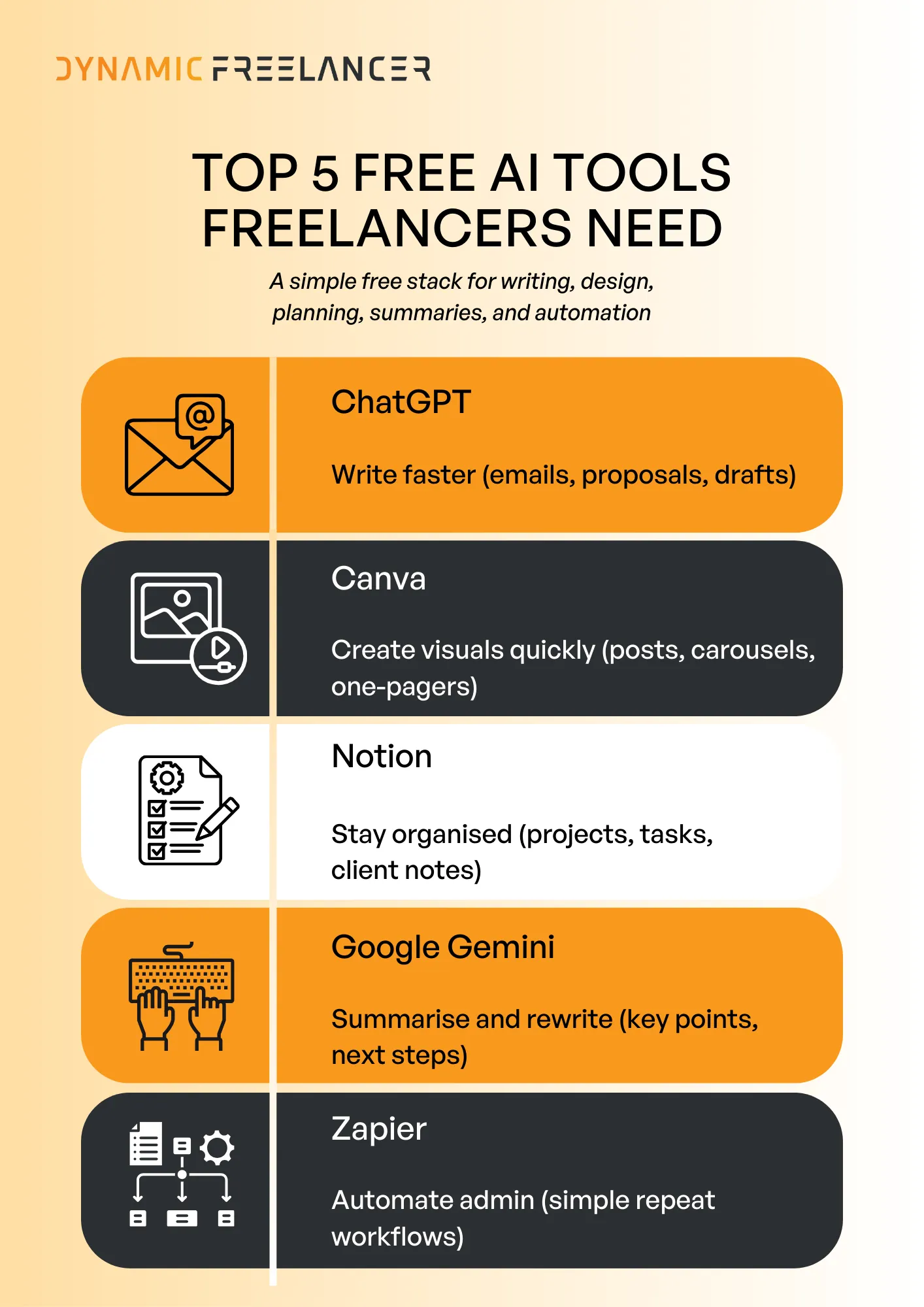
This article covers five free AI tools that fit real freelance workflows: ChatGPT (writing and client communication), Canva (design and content creation), Notion (planning and project tracking), Google Gemini (summaries and quick support), and Zapier (simple task automation).
Free AI tools can cover the basics: writing, design, planning, summaries, and automation.
ChatGPT and Gemini speed up drafting, rewriting, and turning notes into clear next steps.
Canva and Notion help you deliver faster by reusing templates and keeping work organised.
Zapier reduces admin by automating simple repeat tasks between your apps.
1. ChatGPT (Free): Write faster and communicate better
What it does
Helps you draft, rewrite, summarise, and organise text for client work.
Best for
Client emails, follow-ups, and meeting summaries.
Proposals, scopes, and “next steps” notes.
First drafts for blogs, captions, landing pages, and ad copy.
Copy-paste prompts
Client email
“Write a short, professional email to a client. Confirm what was agreed, list next steps in bullets, and ask 2 clear questions. Context: [paste notes]. Tone: direct and polite.”
Turn notes into a brief
“Turn these notes into a clear project brief with: goal, deliverables, timeline, and questions to confirm. Then create a task list in priority order. Notes: [paste].”
Free plan limits (what to expect)
The free plan has usage limits and some features may be restricted or capped depending on demand. If you hit limits, switch tasks (draft in one tool, polish later) or come back later.
2. Canva (Free): Quick, client-ready design
What it does
Canva helps you create clean visuals using templates and drag-and-drop design.
Best for
Social posts and carousels.
Presentations and one-pagers.
Simple flyers, banners, and thumbnails.
Copy-paste prompts
Carousel plan (from a blog)
“Turn this article into a 7-slide Instagram carousel. Slide 1: hook. Slides 2–6: one key point each. Slide 7: short summary + CTA. Keep wording short and punchy. Text: [paste].”
One-pager structure (service/package)
“Create the copy for a one-page service sheet with: headline, who it’s for, 3 benefits, what’s included (bullets), timeline, and next step. Tone: clear and professional. Service: [describe].”
Free plan limits (what to expect)
Some templates, elements, and features are paid. If you hit a premium wall, switch the template or replace premium elements with free ones.
3. Notion (Free): Plan projects and track client work
What it does
Notion helps you organise your freelance work in one place. You can manage tasks, projects, notes, and client info without jumping between apps.
Best for
Project planning and task tracking.
Client notes, briefs, and meeting summaries.
Simple client dashboards (what’s done, what’s next, due dates).
Copy-paste prompts
Set up a simple freelancer workspace
“Create a simple Notion workspace structure for a freelancer. Include pages for: Clients, Projects, Tasks, Content Calendar, and Templates. Keep it minimal and easy to manage. Add a short description for what goes in each page.”
Turn a brief into a project plan
“Turn this client brief into a simple project plan with: milestones, tasks, due dates, and priorities. Keep it clear and realistic. Brief: [paste].”
Free plan limits (what to expect)
The free plan is strong for personal use, but some advanced features and heavy team use may require an upgrade. File uploads and collaboration features can also have limits depending on how you use it.
4. Google Gemini (Free): Fast summaries and quick drafting
What it does
Gemini helps you summarise long text, pull out key points, and turn information into clear action steps. It is especially useful when you need to understand something quickly and respond with clean writing.
Best for
Summarising long emails, docs, and articles.
Turning notes into a clear “next steps” list.
Rewriting text to be shorter, clearer, and more professional.
Copy-paste prompts
Summarise + action steps
“Summarise this in 5 bullets. Then list the next steps as a checklist. Keep it direct and clear. Text: [paste].”
Turn text into a client-ready response
“Rewrite this so it is clear and professional. Keep it short, remove filler, and make it easy to scan. Text: [paste].”
Free plan limits (what to expect)
The free plan has usage limits, and some advanced features may be restricted or capped at busy times. If you hit limits, split the task into smaller chunks or return later.
When it’s better than ChatGPT
When the job is mainly summarising, rewriting, and turning text into simple outputs fast.
When you want a clean result without overthinking prompts.
5. Zapier (Free): Automate repetitive admin tasks
What it does
Zapier connects your apps so small tasks happen automatically, without manual copy-pasting. It uses simple “if this happens, then do that” automations.
Best for
Moving lead info into a spreadsheet or CRM.
Saving form submissions into Google Sheets.
Sending automatic notifications (Slack, email) when something changes.
Creating repeatable workflows for admin tasks.
Simple automations (no code)
New form lead → Google Sheets row (Typeform/Google Forms to Sheets)
New email enquiry → add to a lead tracker (Gmail to Sheets/Airtable)
New calendar booking → send a confirmation message (Calendly/Calendar to Gmail)
New task created → post an alert (Trello/Notion to Slack)
Free plan limits (what to expect)
The free plan is designed for basic automations. Limits usually show up around how many tasks you can run, how many automations you can keep active, and whether you can use multi-step workflows.
Free alternatives (if you hit limits)
Worth a look: Top 7 AI Platforms for Freelancers and How to Use Them
A simple free AI stack for freelancers
Free AI tools can make freelance work faster and easier without adding extra costs. The five tools covered in this post each solve a common problem: ChatGPT helps with writing and client communication, Canva supports quick design, Notion keeps projects organised, Google Gemini helps with summaries and fast drafting, and Zapier automates repetitive admin tasks.
Used together, they help you spend less time on busywork and more time delivering quality work to clients.
Frequently Asked Questions
Find answers to common questions about this topic
What are the best free AI tools for freelancers?
Can freelancers use free AI tools for client work?
What is ChatGPT free best for?
What are the biggest free-plan limits to expect?
Do free AI tools replace paid tools?
How do freelancers get the most value from free AI tools?
Disclaimer: This article is intended to provide practical, up-to-date information. Details may vary based on individual circumstances, location, or changes in regulations. The information provided is for informational and educational purposes only.